
B2B buyers decide almost instantly whether a website is worth their time. If a page doesn’t pull them in, they leave, and many of them won’t come back.
Scrollytelling is one of the best ways we’ve found to change that. It uses the scroll itself to tell a story, revealing a product or service piece by piece as the buyer moves down the page, so they stay long enough to understand what you do and why it matters for them. We use it on Scaler sites for exactly this reason, and it has become one of our favorite ways to explain complex scientific and industrial work.
Here’s what scrollytelling is, why it keeps buyers on the page, and how we approach it.
What is scrollytelling?
Scrollytelling is a web design technique that uses the scroll itself to tell a story in sequence. As a reader moves down the page, elements animate, pin in place, shift, or play, so the content unfolds in the order you intend rather than all at once.
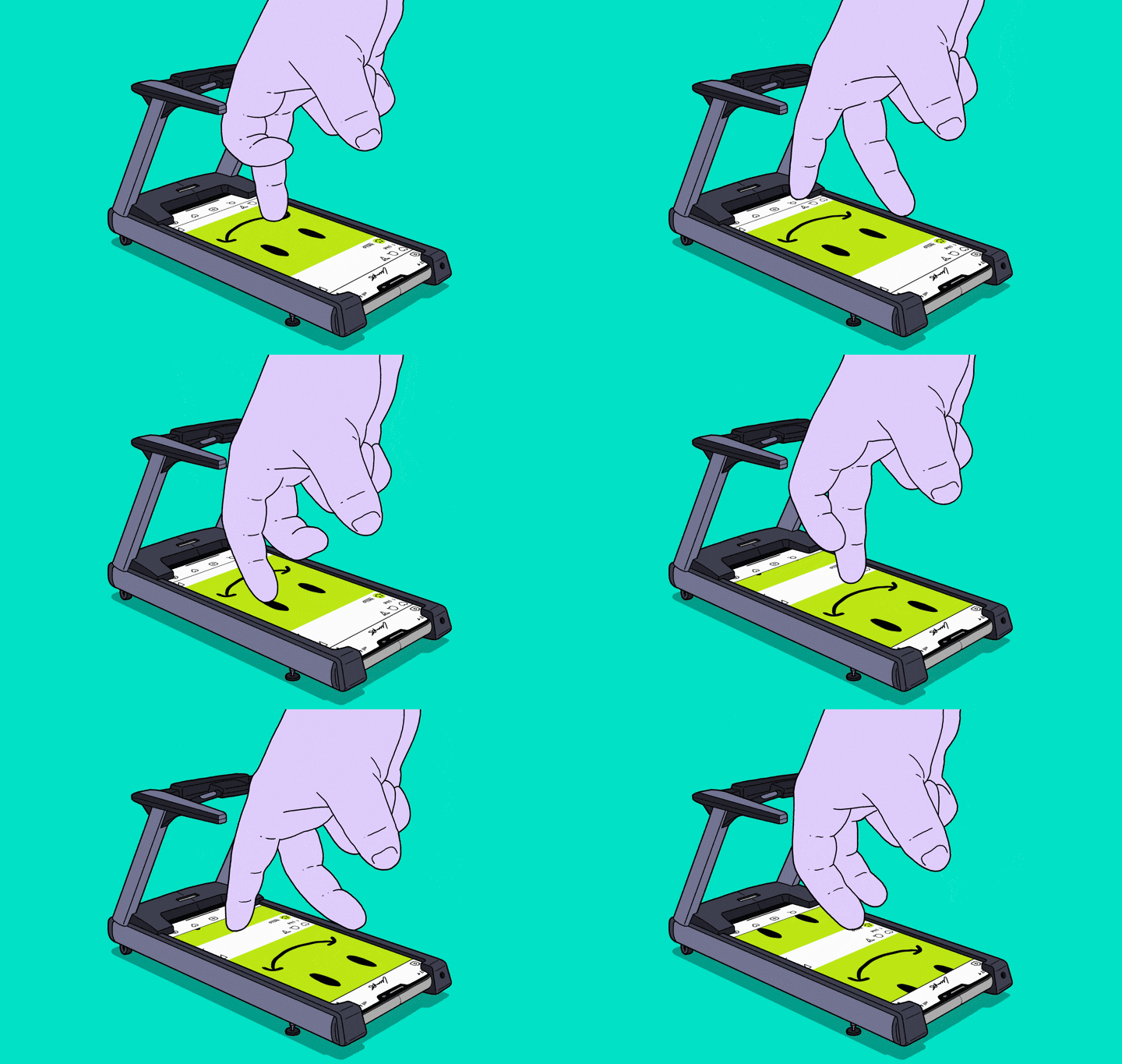
Scrollytelling has its roots in digital journalism. The New York Times’ 2012 feature “Snow Fall” is the piece most often credited with introducing it, with animated graphics and video unfolding as readers scrolled through a long story about an avalanche. From there, brands began to build it into their own websites, and modern tools like Webflow or AI hosting platforms make it easier than ever to incorporate.
Here are the most common aspects of a website using scrollytelling:
- Parallax, where background and foreground move at different speeds to create depth
- Pinned or sticky sections, where a visual stays put while the text beside it changes
- Scroll-triggered transitions, where an element appears, flips, or assembles when it enters the viewport
- Video and 3D tied to scroll position, so the reader controls the playback by moving down the page
Why scrolling beats clicking for B2B buyers
Scrolling is a reflex. Clicking is a decision.
That difference matters more in B2B than almost anywhere else, because your buyer often arrives without fully understanding what you do. A click to a product page carries an implicit question: is this worth my time? When someone is still forming a picture of your offering, “no” is the easy answer. Scrolling asks nothing of them, so they keep going.
Scrollytelling also gives you control of the sequence. On a paginated site, the buyer picks the order they learn things in, and, in our experience, that often means jumping to pricing or the contact page before they understand what makes you different. When the story is built into one page, you decide what they see first, second, and third.
The last piece is showing instead of telling. A photo of a cleanroom is a white box. A rendering that assembles itself as you scroll shows how the pieces come together, and the buyer understands the scope of the work without reading a paragraph about it. For products and services that are hard to picture, this is a powerful tool.
Where scrollytelling belongs (and where it doesn’t)
Scrollytelling is a technique for the pages that carry your company's story. For most of our clients, that’s the homepage and the company page, plus one or two key product or service pages where a buyer needs to understand something complex before they’ll reach out.
It does not belong everywhere. A pricing page, a spec sheet, a careers page, or a contact form should have the important information load instantly. Overusing motion can make a site feel like a theme park, and often comes with costs that affect performance: heavier pages, slower load times, and a worse experience for anyone who has reduced motion turned on in their browser settings.
Every animated page we build has a reduced-motion fallback, and we’re mindful of where we build it into our sites.
Two examples from our work
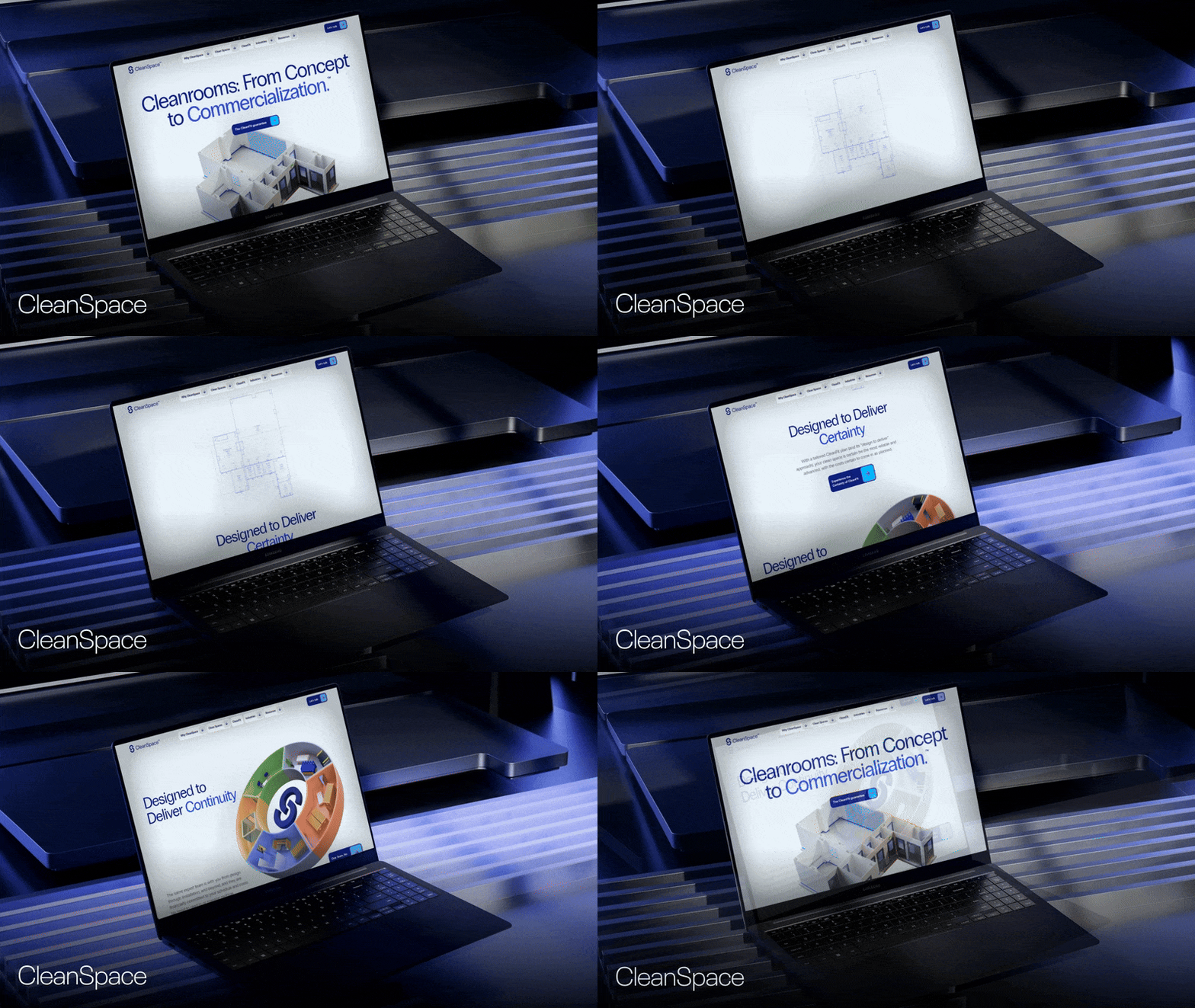
CleanSpace is a design-build firm for cleanrooms and other controlled environments. We created custom renderings that move as you scroll, paired with motion and video, to show the range of what they build.
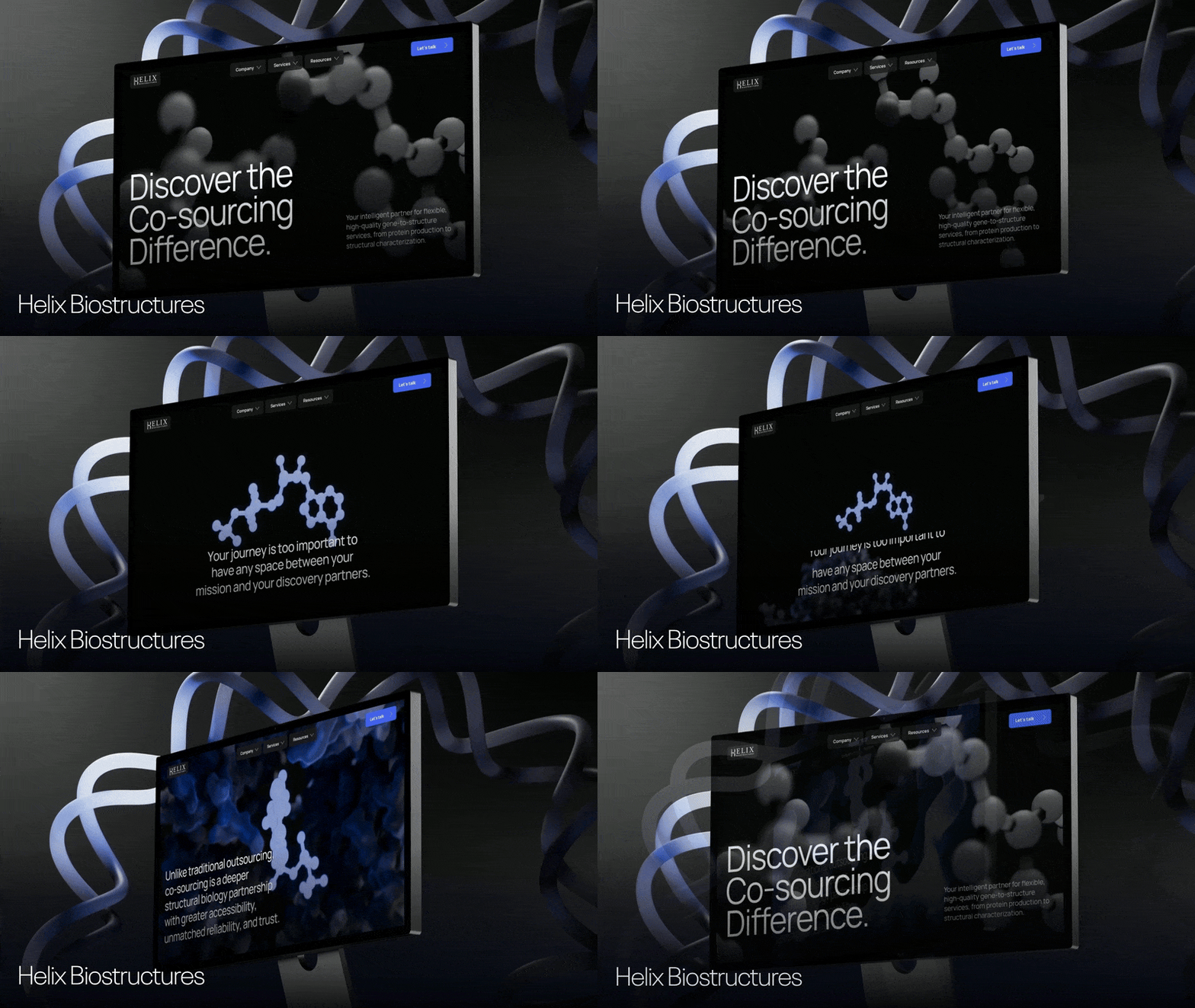
Helix BioStructures is a gene-to-structure research partner and their work can be hard to picture from a photo. On the new site, animated molecules shift and rotate as you scroll, so visitors get an immediate sense of what the company does before they read a word of copy.
Our Creative Director, Diego Toda de Oliveira, created both sites and designs and builds many of our scrollytelling projects. His own portfolio is a working example of the technique. Project cards flip rather than sit still, and testimonials slide across a pinned section. Webflow liked it enough to feature it in their guide on scrollytelling.
It works for content, too
Scrollytelling isn’t limited to product pages. Adidas built its 2024 annual report as a web experience, with a full-width hero video, key figures that link into the detailed financials, a CEO interview, and modules that pair video with a headline and a link. It reads like a story rather than a PDF.
The same approach works for an industry report, a state-of-the-market piece, or a white paper. If you’re already investing in original research, presenting it this way is one of the easier ways to get more out of it. For scientific and industrial companies in particular, it pairs well with the ideas in 5 Things Every Scientific Website Should Be Doing in 2026.
Keep them on the page
Scrollytelling works because it removes decisions. The buyer doesn’t have to choose which drawer to open. They just keep reading, and the page does the explaining.
If you’re interested in discussing what this would look like for your company, get in touch.